
Switching cemetery software programs can feel overwhelming. Many cemetery managers worry about losing historical records, dealing with downtime, or overwhelming busy staff. It’s not uncommon for cemeteries to stay with outdated systems simply because the data migration process feels too risky.
But cemetery software migration doesn’t need to be difficult, or disruptive. With the right preparation and the right software partner, switching systems can be a structured, manageable process that improves long‑term efficiency, data security, and confidence.
This post is designed for cemetery managers actively evaluating a new software solution. We’ll explore why cemeteries decide to switch providers, the key questions to ask before migrating, how long cemetery software migration typically takes, and how CIMS helps cemeteries move their data safely and successfully.

Why Cemeteries Switch Software Providers
Cemeteries rarely decide to change software on a whim. Most migrations are driven by clear, recurring challenges that make daily operations harder over time.
Common reasons cemeteries decide to migrate software include:
Outdated or unsupported systems
Legacy software often relies on aging technology, unsupported operating systems, or locally stored data. Over time, these systems become harder to maintain, more vulnerable to data loss, and incompatible with modern workflows.
Limited reporting or visibility
Board members, auditors, and managers increasingly expect reliable reports, searchable records, and easy access to historical data. Many older systems struggle to deliver this without manual workarounds.
Poor data accessibility
When records are locked to one computer, one office, or one staff member, operations slow down. Cloud‑based access is becoming essential for day‑to‑day cemetery management, inspections, and customer service.
Security and disaster recovery concerns
Improving cemetery software security encourages many cemeteries to switch. Local servers, spreadsheets, and paper records introduce real risk. Fires, floods, hardware failure, or ransomware can compromise decades of irreplaceable data.
Staff transitions and knowledge loss
If only one or two people understand how a system works, cemeteries become vulnerable when employees retire or leave. Modern software helps reduce reliance on institutional memory.
These pressures eventually lead cemeteries to explore cemetery software migration, not to add complexity, but to reduce it.

How Long Does Cemetery Software Migration Take?
Cemetery software migrations typically take a few weeks, with more complicated migrations taking months to complete. Several factors determine how long it takes to migrate your cemetery records, including:
- The volume of historical records
- Whether data exists digitally, on paper, or in multiple systems
- The complexity of mapping and plot layouts
- The level of customization required
Most of the migration work happens behind the scenes, with cemetery staff providing guidance, answering validation questions, and reviewing results rather than re‑entering data. More importantly, a phased migration approach ensures that cemeteries don’t have to stop operating while the transition occurs. With planning and vendor support, day‑to‑day operations can continue as usual.
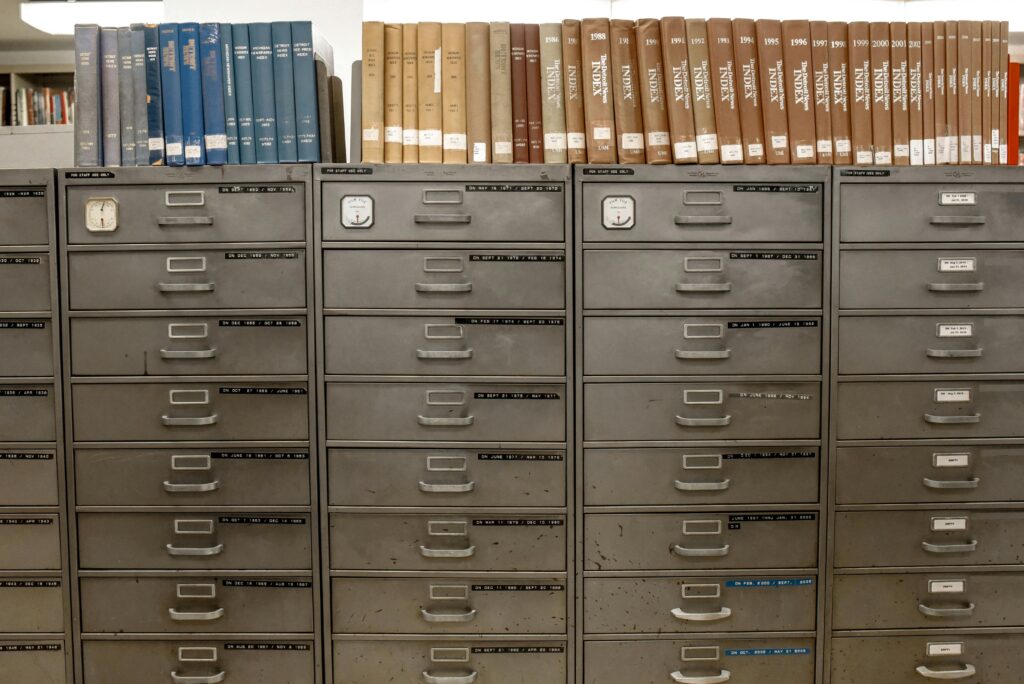
Why Cemetery Software Migration Is Easier Than It Used to Be
In the past, switching software often meant years of cleanup, manual data entry, and uncertainty. Modern platforms—and modern migration processes—have changed that.
Today’s cemetery software migration benefits from:
- Digital data conversion tools
- Structured validation processes
- Cloud environments that don’t require local installs
- Dedicated implementation teams
- Clear post‑migration testing procedures
As a result, cemeteries are no longer choosing between stability and progress. Migration is an easy, streamlined process, instead of a risky leap.
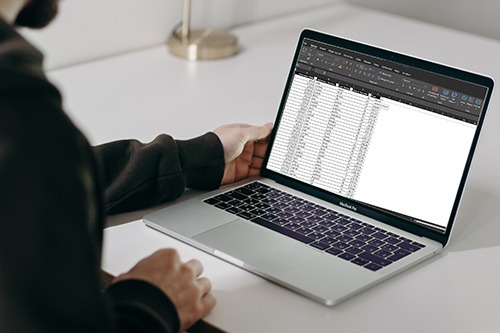
How CIMS Helps Cemeteries Migrate Their Data
At CIMS, cemetery software migration is treated as a guided process, not a handoff.
CIMS has supported hundreds of cemeteries transitioning from legacy systems, spreadsheets, paper records, and outdated databases. The goal is simple: preserve historical accuracy while modernizing access and usability.
Here’s how the CIMS migration approach helps reduce risk:
Structured Data Review
Every migration begins with understanding how a cemetery currently stores and uses its data. This informs how records are mapped into CIMS without losing context or historical detail.
Careful Data Conversion
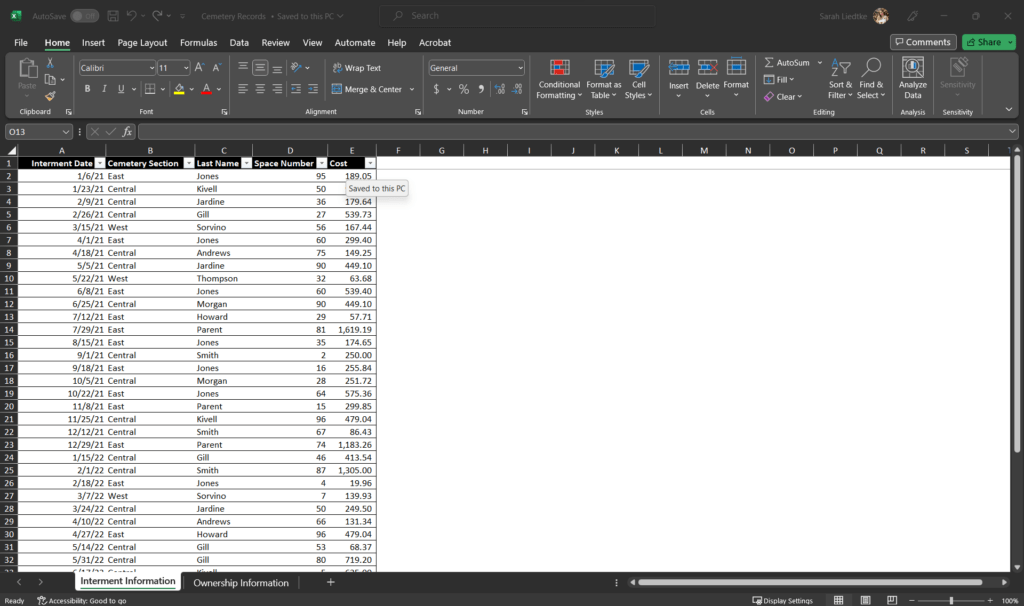
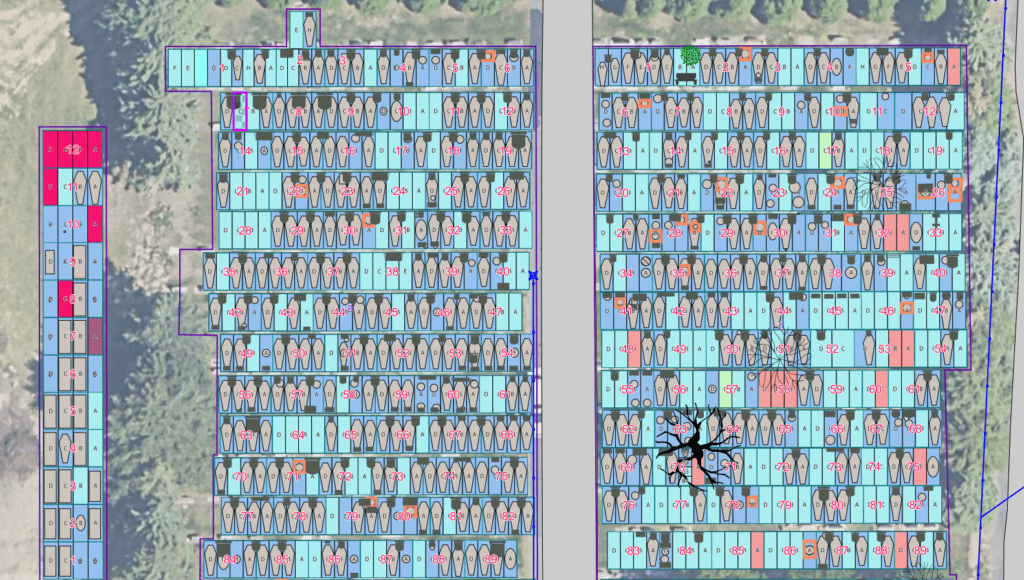
Plot records, ownership data, interments, and related information are converted into CIMS’ structured database and mapping environment, which reduces duplication and improves searchability.
Validation and Review
Data is reviewed for accuracy and consistency. Cemeteries have the opportunity to confirm records and resolve discrepancies before going live.
Ongoing Support
Migration doesn’t end at launch. Our onboarding process involves guided trainings to help teams get started with real-world workflows, along with ongoing support and educational resources as needs evolve. raining is supported by clear documentation and responsive assistance, ensuring staff can continue to build confidence in the system over time. The goal isn’t just to implement software, but to help cemeteries use it effectively to reduce workarounds, maintain accurate records, and support staff through change.
The CIMS support team remains available to answer questions, address edge cases, and help staff adapt confidently to the new system. This approach allows cemeteries to focus on serving families and managing
Addressing Common Migration Fears Head‑On
Cemetery managers often worry that migration will expose gaps in their records, but this visibility can be beneficial.
Cemetery software migration frequently helps cemeteries:
- Identify and clean up duplicate records
- Standardize inconsistent data
- Improve long‑term reporting accuracy
- Gain confidence in record completeness
Rather than uncovering problems, many cemeteries find that migration gives them clarity and a stronger foundation moving forward.
A Better Question Than “Should We Switch?”
The real question isn’t whether cemetery software migration will take effort. It’s whether staying with an outdated system introduces greater risk over time.
Cemeteries that delay migration often face:
- Increasing maintenance issues
- Greater vulnerability to data loss
- Reduced accessibility for staff and stakeholders
- More difficult future transitions
By contrast, cemeteries that migrate proactively gain stability, security, and operational resilience.
Cemetery Software Migration Doesn’t Have to Be Difficult
Switching cemetery software can feel intimidating, but it doesn’t have to be disruptive, risky, or overwhelming. With a clear process, realistic expectations, and the right partner, cemetery software migration becomes a step toward long‑term confidence rather than a short‑term burden.
CIMS is designed to support cemeteries through this transition with care, transparency, and respect for the records that matter most. If you’re evaluating a new cemetery software solution and want to understand how migration would work for your cemetery, we’re here to help.
Request more information or schedule a demo to see how CIMS supports cemeteries through the software migration process and beyond!